






How to Install the Oracle 12C software only on Oracle Linux 6.7
Posted by Mir Sayeed Hassan on October 26th, 2019
How to Install the Oracle 12C software only on Oracle Linux 6.7
Download the Oracle Linux 12c software & extract it on Oracle 12c home directory (/u01/app/oracle/product/12.2.0.1/dbhome_1/) & Install the software only.
Fallow the below step by step process to install the oracle 12c software only
Transfer the software to your Oracle Home directory as shown below
[oracle@testdb ~]$ cd /u01/app/oracle/product/12.2.0.1/dbhome_1/
linuxx64_12201_database.zip
unzipped the software
[oracle@testdb dbhome_1]$ unzip linuxx64_12201_database.zip
Verify the database software directory & its execute runInstaller file
[oracle@testdb dbhome_1]$ ls
database linuxx64_12201_database.zip
[oracle@testdb dbhome_1]$ cd database/
[oracle@testdb database]$ ls
install  response  rpm  runInstaller  sshsetup  stage  welcome.html
Run the script runInstaller
[oracle@testdb database]$ ./runInstaller
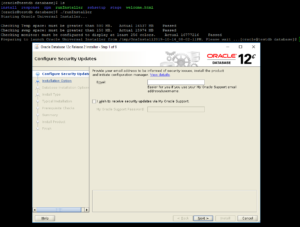
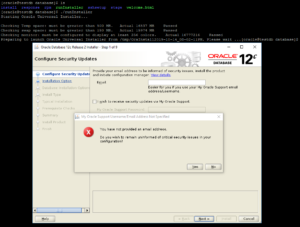
Installation process started (uncheck the Oracle support & proceed further)
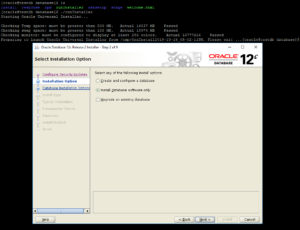
Select Install software only option
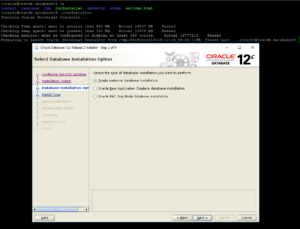
Select Single instance option
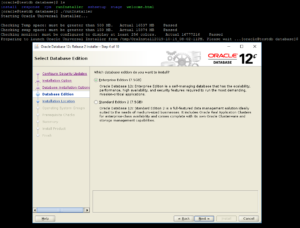
Select the Enterprise Edition
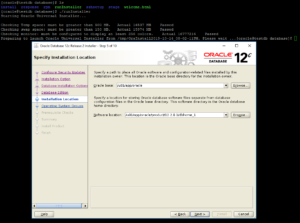
Set the environment variable as “ORACLE_BASE & ORACLE_HOME”
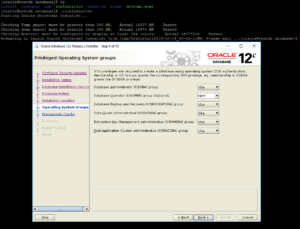
Assign the default Privileged operating system group
Prerequiste checks
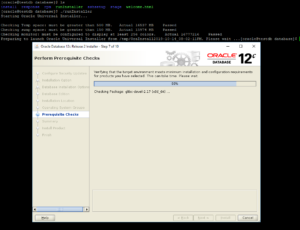
Try to fix the required package by using yum install/manually or you can skip & fix it later
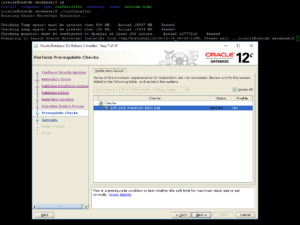
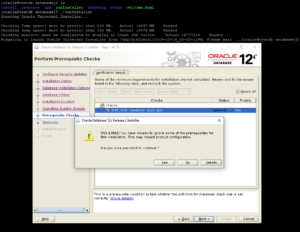
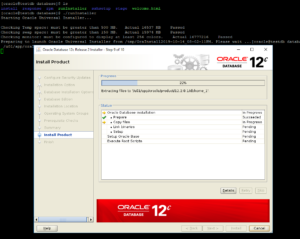
Summary of installation requirement & select INSTALL
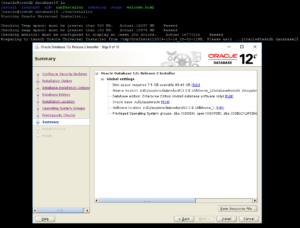
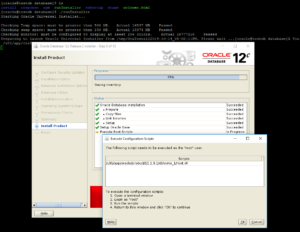
Run the below scripts by using the “ROOT” login
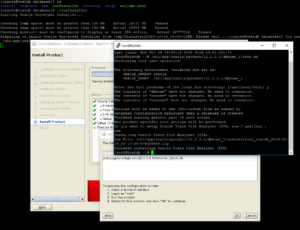
Login as root & run the script
Hence the software installation is completed
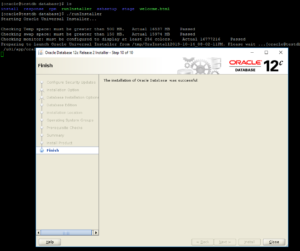
=====Therefore the Installation of the Oracle 12c Software only is completed====